

Building a startup in 2026 is both exciting and demanding. Markets move fast, competition is global, and expectations are higher than ever. Founders are expected to move quickly, build efficiently, validate ideas, manage teams, and scale — often with limited resources.
The good news is that the SaaS ecosystem has matured. Today, startup founders can access powerful tools that replace entire departments. From project management and communication to marketing automation and analytics, the right stack can dramatically increase productivity and reduce operational friction.
The key is not using every available tool. The key is choosing the right tools for your stage.
This guide covers the best SaaS tools for startup founders in 2026, organized by core business functions. Each tool includes practical reasons to use it, pricing overview, and ideal use cases.
1. Notion – All-in-One Workspace for Founders
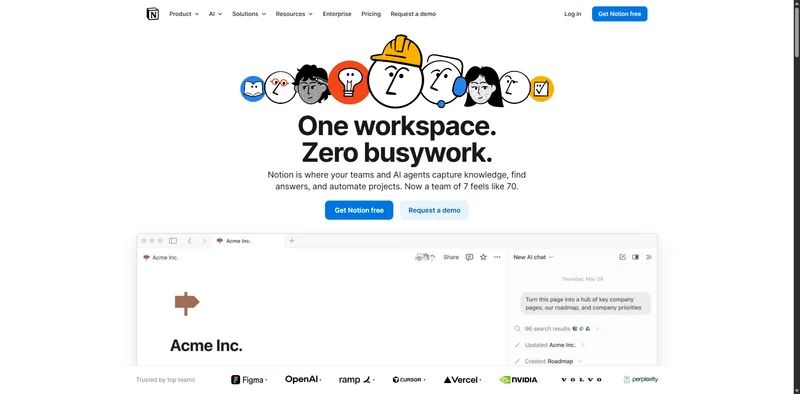
Why should you use Notion?
Startups move fast. Ideas, tasks, documents, product plans, and meeting notes can quickly become disorganized. Notion helps centralize everything in one place.
Instead of using multiple disconnected documents, founders can manage:
Product roadmaps
Investor updates
Internal documentation
Team wikis
Content calendars
It reduces chaos and improves clarity across teams.
Key features for startup founders
Custom databases
Project tracking boards
Shared team documentation
Integration with other SaaS tools
Pricing overview
Notion offers:
A free plan for individuals and small teams
Paid plans for advanced collaboration and security
For early-stage startups, the free or entry-level plan is often enough.
Best use cases
Early-stage planning
Product documentation
Managing internal processes
Knowledge management
Notion becomes more powerful as your team grows.
2. ClickUp – Advanced Project and Task Management
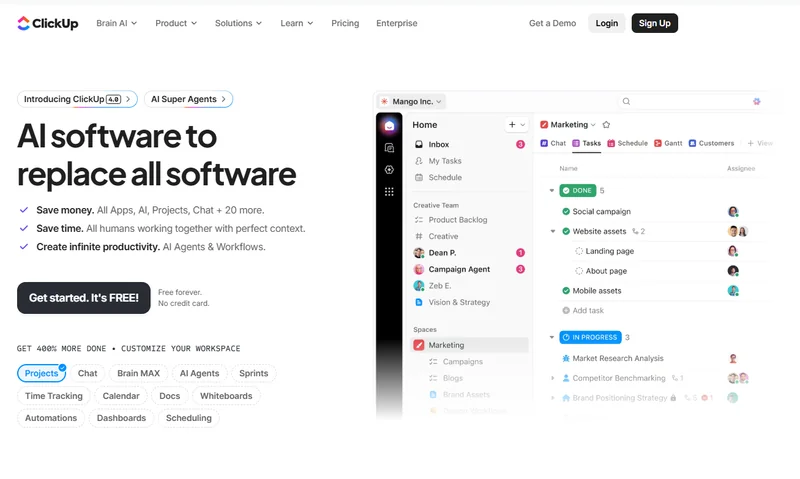
Why should you use ClickUp?
While Notion is flexible, ClickUp focuses more deeply on structured project execution. For founders managing developers, marketers, and designers, task clarity is critical.
ClickUp helps:
Assign tasks
Track deadlines
Monitor workload
Visualize progress
It improves accountability and reduces missed deadlines.
Key features for startup founders
Task dependencies
Sprint planning
Time tracking
Workflow automation
It is especially useful for product-focused startups.
Pricing overview
ClickUp provides:
A free plan
Paid tiers with advanced reporting and automation
Growing startups often move to paid plans as teams expand.
Best use cases
Managing remote teams
Agile development
Product sprint planning
Scaling operations
Structured execution separates growing startups from stagnant ones.
3. Slack – Team Communication
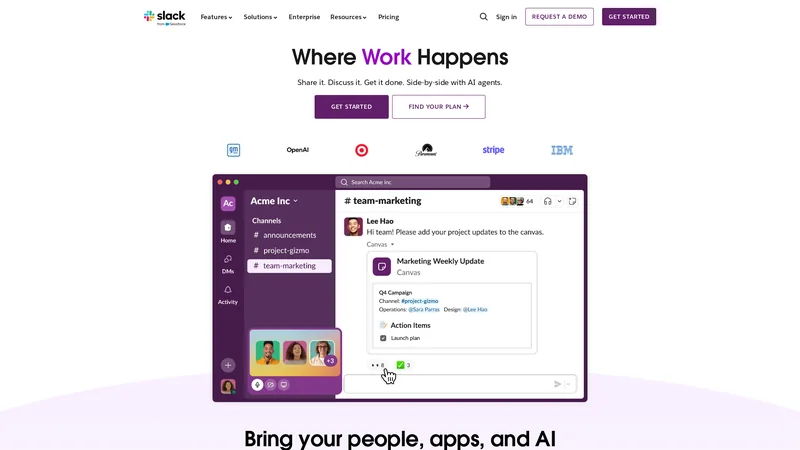
Why should you use Slack?
Communication delays slow down startups. Slack centralizes team communication in organized channels instead of long email threads.
It helps teams:
Communicate instantly
Share files quickly
Integrate tools (like GitHub or Google Drive)
Maintain transparent discussions
Slack improves collaboration, especially in remote-first teams.
Key features for startup founders
Organized channels
Direct messaging
Integration ecosystem
Searchable message history
Pricing overview
Slack offers:
A free plan with limited message history
Paid plans for full history and advanced features
Small teams can start free and upgrade later.
Best use cases
Remote startup teams
Cross-functional collaboration
Real-time product discussions
Quick decision-making
Efficient communication increases execution speed.
4. Stripe – Payment Infrastructure for SaaS Startups
Why should you use Stripe?
If your startup sells a digital product or subscription service, Stripe provides the infrastructure to accept payments globally.
It supports:
Recurring billing
Subscription management
International payments
Developer-friendly APIs
Stripe is widely trusted and scalable.
Key features for startup founders
Subscription billing
Payment analytics
Fraud detection
Custom checkout flows
Pricing overview
Stripe charges a percentage per transaction. There are no heavy setup fees for most use cases.
Best use cases
SaaS subscription models
Online marketplaces
API-based startups
Global payment processing
Payment infrastructure must be reliable from day one.
5. HubSpot – CRM and Marketing Automation

Customer relationship management becomes essential as your user base grows. HubSpot helps founders track leads, manage contacts, and automate marketing workflows.
It combines:
CRM
Email marketing
Sales pipeline tracking
Marketing automation
This reduces manual follow-up and improves conversion rates.
Key features for startup founders
Contact management
Automated email sequences
Sales tracking dashboards
Customer lifecycle insights
Pricing overview
HubSpot offers:
A free CRM
Paid plans for marketing and sales automation
The free CRM is useful for early-stage startups.
Best use cases
B2B startups
Lead tracking
Managing sales funnels
Investor reporting on pipeline growth
A strong CRM improves growth predictability.
6. Google Analytics – Performance and Growth Tracking
Why should you use Google Analytics?
Data-driven decisions are critical for startup growth. Google Analytics provides insights into traffic sources, user behavior, and conversion rates.
Founders can track:
Website traffic
User acquisition channels
Bounce rates
Goal completions
Without data, growth becomes guesswork.
Key features for startup founders
Real-time traffic monitoring
Conversion tracking
Audience segmentation
Funnel analysis
Pricing overview
Google Analytics is free for most startups.
Best use cases
Measuring marketing effectiveness
Optimizing landing pages
Improving user retention
Identifying growth opportunities
Data clarity strengthens strategic decisions.
7. Figma – Product Design and Prototyping
Why should you use Figma?
Before writing code, startups need to design user interfaces and validate ideas visually. Figma allows founders and product teams to create wireframes, mockups, and interactive prototypes without heavy software installations.
It helps teams visualize:
Website layouts
App interfaces
User flows
Design systems
Instead of guessing how a product will look, you can test designs early and gather feedback before development begins.
Key features for startup founders
Real-time collaborative design
Interactive prototypes
Cloud-based access
Design system management
Figma makes collaboration between designers and developers smoother.
Pricing overview
Figma offers:
A free plan for small teams
Paid plans for advanced collaboration and organization
Early-stage startups can begin with the free tier.
Best use cases
MVP design
Landing page prototypes
App interface planning
UI/UX collaboration
Strong design improves user experience and conversion rates.
8. Intercom – Customer Support and Engagement
Why should you use Intercom?
Customer experience plays a major role in startup growth. Intercom allows founders to communicate with users directly through live chat, automated messages, and support tickets.
It helps startups:
Answer user questions quickly
Onboard new customers
Reduce churn
Collect feedback
Faster responses improve trust and retention.
Key features for startup founders
Live chat support
Automated onboarding messages
Help center integration
Customer segmentation
It combines support and engagement in one platform.
Pricing overview
Intercom offers paid plans based on features and user volume. Pricing scales as your customer base grows.
Best use cases
SaaS startups
Product onboarding
Customer retention strategies
Real-time user support
Strong support systems improve long-term growth.
9. Mailchimp – Email Marketing and Automation
Why should you use Mailchimp?
Email marketing remains one of the highest ROI channels for startups. Mailchimp helps build email lists, send campaigns, and automate sequences.
It enables founders to:
Launch product announcements
Nurture leads
Send newsletters
Run promotional campaigns
Email keeps your audience engaged even when social algorithms change.
Key features for startup founders
Drag-and-drop email builder
Automated workflows
Audience segmentation
Campaign performance tracking
It simplifies marketing automation for small teams.
Pricing overview
Mailchimp offers:
A free plan with limited features
Paid plans based on contact list size
It scales with your business.
Best use cases
Early-stage marketing
Launch campaigns
Community building
Customer engagement
Consistent email marketing builds long-term brand loyalty.
10. Zapier – Automation Between Apps
Why should you use Zapier?
Startups often use multiple SaaS tools. Zapier connects them and automates repetitive tasks without coding.
For example:
Automatically send form leads to your CRM
Add new customers to email lists
Notify your team when a payment is completed
Automation saves time and reduces manual errors.
Key features for startup founders
App-to-app integrations
Workflow automation
Trigger-based actions
Multi-step automations
It connects thousands of SaaS platforms.
Pricing overview
Zapier offers:
A free plan for simple workflows
Paid plans for advanced automation and higher usage
It becomes more valuable as operations grow.
Best use cases
Lead management automation
Customer onboarding workflows
Internal notifications
Marketing process automation
Efficiency increases as repetitive tasks decrease.
11. QuickBooks – Financial Management for Startups
Why should you use QuickBooks?
Financial clarity is essential for founders. QuickBooks helps track income, expenses, invoices, and cash flow in one dashboard.
Without financial visibility, scaling becomes risky.
Key features for startup founders
Expense tracking
Invoice creation
Financial reporting
Tax preparation support
It simplifies accounting for non-finance founders.
Pricing overview
QuickBooks operates on monthly subscription plans based on features and business size.
Best use cases
Tracking startup burn rate
Managing invoices
Preparing investor reports
Monitoring profitability
Clear financial management improves long-term stability.
12. Ahrefs – SEO and Competitive Intelligence
Why should you use Ahrefs?
Organic search traffic remains a powerful growth channel. Ahrefs helps startups understand keywords, backlinks, and competitor strategies.
It allows founders to:
Discover ranking opportunities
Analyze competitors
Monitor domain growth
Track SEO performance
SEO builds sustainable traffic without ongoing ad spend.
Key features for startup founders
Keyword research tools
Backlink analysis
Site audits
Competitor tracking
It provides data-driven marketing insights.
Pricing overview
Ahrefs offers paid plans only. It is an investment tool for startups serious about SEO growth.
Best use cases
Content-driven startups
SaaS SEO strategy
Competitive research
Scaling organic traffic
SEO-focused startups benefit greatly from structured keyword planning.
Comparison Table: Best SaaS Tools for Startup Founders in 2026
Tool | Primary Function | Best For | Pricing Type |
|---|---|---|---|
Notion | Workspace & documentation | Planning & organization | Free + Paid |
ClickUp | Project management | Team execution | Free + Paid |
Slack | Communication | Remote teams | Free + Paid |
Stripe | Payment processing | SaaS & subscriptions | Transaction-based |
HubSpot | CRM & marketing | Lead management | Free + Paid |
Google Analytics | Performance tracking | Data analysis | Free |
Figma | Product design | MVP & UI planning | Free + Paid |
Intercom | Customer support | User engagement | Paid |
Mailchimp | Email marketing | Campaigns & automation | Free + Paid |
Zapier | Automation | Workflow efficiency | Free + Paid |
QuickBooks | Financial management | Accounting & reporting | Paid |
Ahrefs | SEO & competitive research | Organic growth | Paid |
Frequently Asked Questions (FAQs)
1. How many SaaS tools should a startup use?
Start small. Choose tools that directly support your current stage. Too many tools create complexity and increase costs.
2. Are free plans enough for early-stage startups?
In many cases, yes. Most SaaS platforms offer free tiers that are sufficient for small teams and early validation.
3. When should a startup upgrade to paid plans?
Upgrade when your team grows, automation needs increase, or performance data becomes critical for scaling.
4. How can founders avoid tool overload?
Focus on solving specific operational problems. Do not adopt tools just because competitors use them.
Conclusion
In 2026, startup founders have access to powerful SaaS tools that can replace entire departments and accelerate growth. The challenge is not access; it is selection.
The best SaaS stack is simple, efficient, and aligned with your current stage. Early on, focus on planning, communication, and validation. As your startup grows, prioritize automation, customer management, analytics, and scalability.
Tools do not build companies, execution does. However, the right tools remove friction, improve clarity, and allow founders to focus on strategy and innovation. There are also many other tools that you can explore on our site.
Choose carefully, implement intentionally, and build systems that support sustainable growth.