
Editing documents is not easy, especially when English is not your first language. Many people write emails, blog posts, reports, or assignments every day, but they are not fully confident about grammar, sentence structure, or word choice. Even small mistakes can make writing look unprofessional or confusing.
This is where AI tools for editing documents become very useful.
AI editing tools work like a smart writing assistant. They read your content, understand the meaning, and suggest better ways to improve clarity and flow. You do not need strong English skills to use them. These tools guide you and help you write with confidence.
In this article, we will discuss the best AI tools for editing documents. These tools are helpful for students, freelancers, bloggers, content writers, and professionals. Each tool is explained with clear reasons why you should use it.
Why Use AI Tools for Editing Documents?
Many people think editing means only fixing grammar mistakes. But real editing is much more than that.
Good editing helps you:
Explain ideas clearly
Make sentences easier to read
Improve writing flow
Choose the right words
Keep the correct tone
AI editing tools can do all of this in minutes.
They save time and reduce stress. Instead of checking every sentence manually, the AI does the hard work for you. This is very helpful if you write often or work under time pressure.
For non-native English speakers, these tools are even more valuable. They help avoid common mistakes and make writing sound natural and professional.
Top AI Tools for Editing Documents (Editor’s Choice)
Below are the top AI document editing tools. We start with the most powerful and trusted ones.
1. Sudowrite
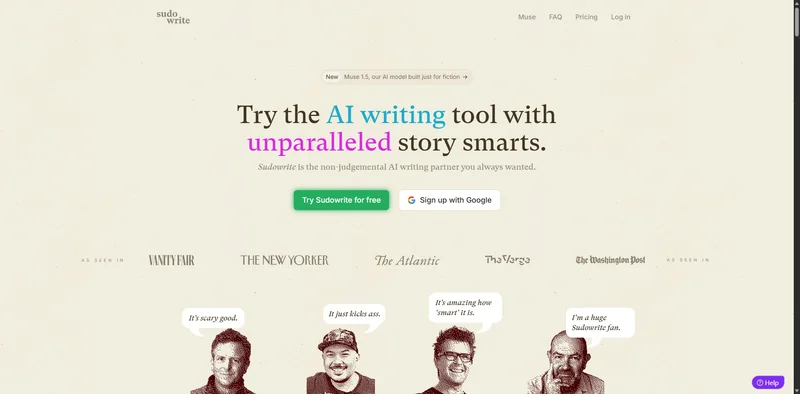 Sudowrite is a popular AI tool made for writers, but it also works very well for editing documents. It focuses on improving how your writing sounds, not just fixing grammar.
Why should you use Sudowrite?
Sudowrite is great when your text feels unclear, boring, or repetitive. You can paste a paragraph, and the tool will suggest improved versions while keeping the original meaning. It helps make sentences smoother and more natural.
This tool is very helpful if you often feel stuck while editing or rewriting content. Instead of thinking too much, Sudowrite gives you smart suggestions that sound human.
It is especially useful for long content where flow and readability matter a lot.
Best use cases
Sudowrite works best for people who write creative or long-form content. Bloggers can use it to polish articles before publishing. Content writers can improve readability and engagement. It is also very useful for editing stories, personal essays, and creative documents where tone and style are important.
If your writing feels “flat” or unnatural, Sudowrite helps bring it to life.
2. Squibler
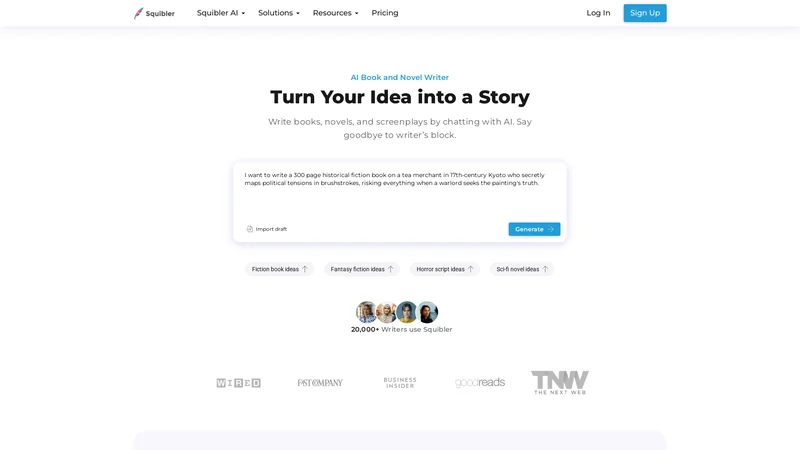 Squibler is a simple and beginner-friendly AI writing and editing tool. It is clean, easy to use, and not confusing.
Why should you use Squibler?
Squibler is perfect for people who want clear and simple English. If your sentences are too long or hard to understand, Squibler helps rewrite them in a cleaner way. It focuses on clarity and structure.
This tool is very good for users who do not want complex settings or advanced features. You just write or paste your text, and Squibler helps you edit it step by step.
It is especially useful for students and non-native English writers.
Best use cases
Squibler is ideal for writing and editing essays, reports, blog drafts, and long documents. Students can use it to clean up assignments. Freelancers can use it to prepare client content. Beginners can use it to practice better writing habits.
If you want your writing to be simple, clear, and easy to read, Squibler is a strong option.
3. Grammarly
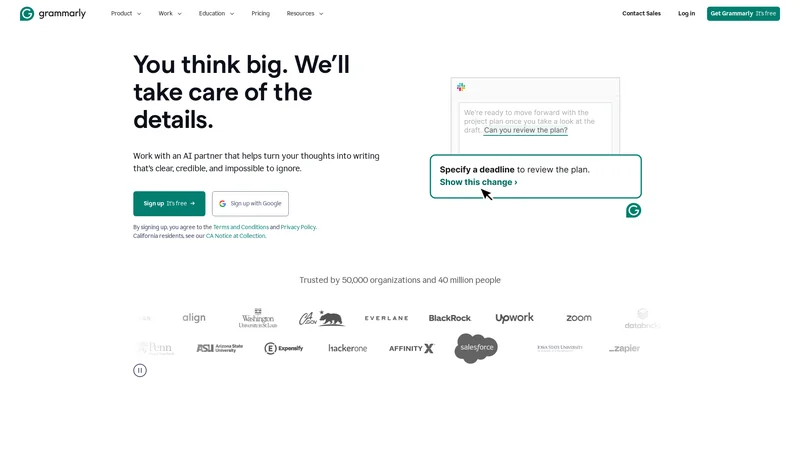 Grammarly is one of the most widely used AI editing tools. Millions of people use it every day for basic and professional writing.
Why should you use Grammarly?
Grammarly checks grammar, spelling, punctuation, and sentence clarity in real time. It shows mistakes as you type and suggests instant corrections. This makes editing very fast and easy.
One of the biggest benefits of Grammarly is that it explains errors. This helps users understand mistakes and slowly improve their English skills.
It also checks tone and readability, which is useful for professional communication.
Best use cases
Grammarly is perfect for daily writing tasks like emails, office documents, blog posts, and social media content. Professionals use it for work emails. Bloggers use it to fix grammar before publishing. Students use it for assignments.
If you want quick and reliable editing for everyday writing, Grammarly is a must-have tool.
4. ProWritingAid
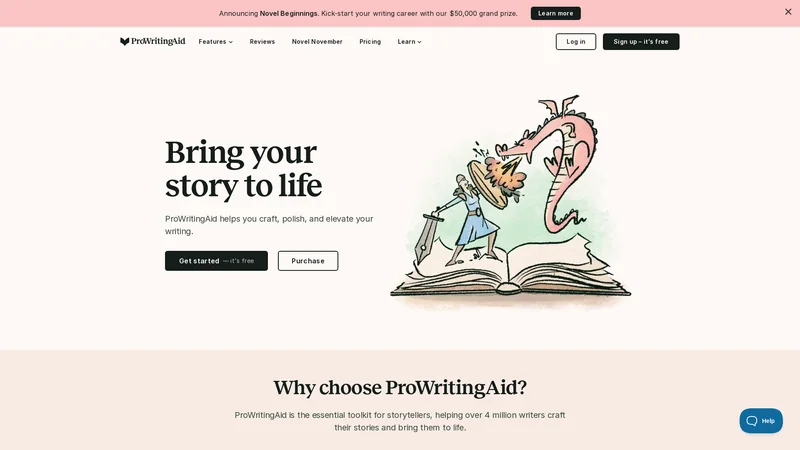
ProWritingAid is an advanced AI editing tool designed for deeper writing analysis. It goes beyond basic grammar checks.
Why should you use ProWritingAid?
This tool analyzes your writing style in detail. It checks sentence length, repeated words, readability, and overall structure. It provides detailed reports that show where your writing can improve.
ProWritingAid is especially useful for people who want to improve their writing quality over time, not just fix mistakes.
Best use cases
ProWritingAid is best for editing long articles, books, academic papers, and professional documents. Authors use it to polish manuscripts. Bloggers use it to improve readability. Professionals use it for high-quality content.
If you want detailed feedback and strong editing support, ProWritingAid is an excellent choice.
5. QuillBot
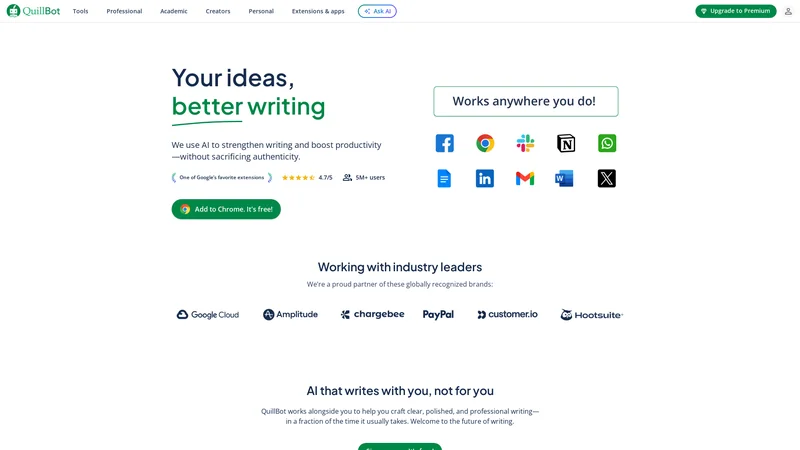 QuillBot is a very popular AI tool for rewriting and editing documents. Many people use it to improve sentence clarity and remove grammar mistakes.
Why should you use QuillBot?
QuillBot is best known for its paraphrasing feature. If your sentence sounds confusing or repetitive, QuillBot rewrites it in a clearer way. It keeps the meaning the same but improves readability.
This tool is very helpful when:
Your English sounds unnatural
You repeat the same words again and again
You want simpler sentences
QuillBot also checks grammar and spelling. You can choose different writing modes, such as simple, formal, or creative.
Best use cases
QuillBot is ideal for students, bloggers, and content writers who need to rewrite text quickly. Students use it to improve assignments. Bloggers use it to rewrite drafts. Freelancers use it to clean up client content.
If you want fast rewriting with clear English, QuillBot is a strong choice.
6. Hemingway Editor
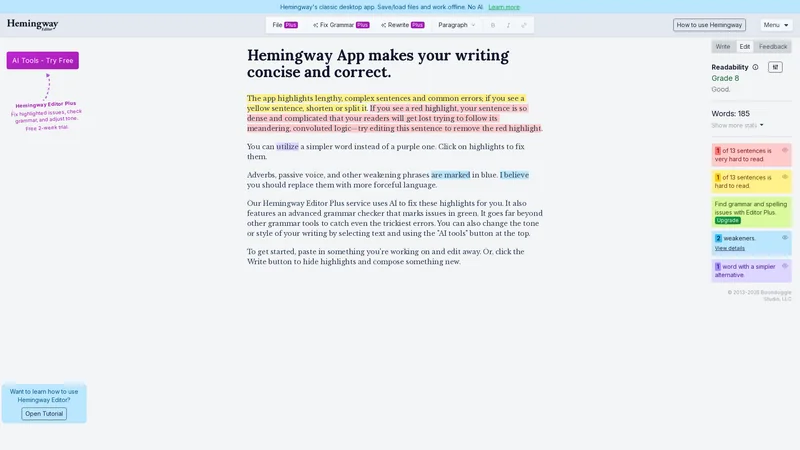 Hemingway Editor is a unique AI editing tool. It does not focus only on grammar. It focuses on readability.
Why should you use Hemingway Editor?
Hemingway Editor shows you where your writing is too complex. It highlights long sentences, hard words, and passive voice. This helps you simplify your writing.
The tool encourages:
Short sentences
Clear words
Easy reading
It is perfect for people who want their writing to be very simple and direct.
Best use cases
Hemingway Editor is great for blog posts, website content, and marketing text. Bloggers use it to make articles easier to read. Website owners use it to improve user experience.
If your audience understands limited English, this tool is extremely helpful.
7. LanguageTool
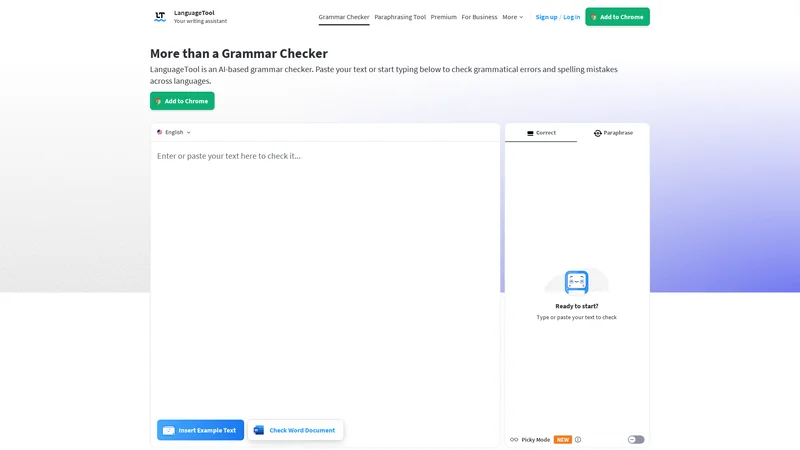 LanguageTool is a strong AI grammar and style checker. It supports many languages, not just English.
Why should you use LanguageTool?
LanguageTool checks grammar, spelling, and punctuation. It also helps improve sentence style and tone. The tool catches mistakes that many other tools miss.
It is useful for:
Formal writing
Professional documents
Multilingual users
LanguageTool is also privacy-friendly, which many users like.
Best use cases
LanguageTool is perfect for professionals, students, and international users. It works well for emails, reports, and official documents.
If you write in English and other languages, this tool is very useful.
8. Writer
 Writer is an AI writing and editing tool made mainly for teams and businesses, but individuals can also use it.
Why should you use Writer?
Writer focuses on clear and consistent writing. It helps remove grammar errors and improves tone. It is especially useful for professional and business content.
The tool helps you:
Write clearly
Avoid confusing sentences
Keep a professional tone
Writer is good for people who want clean and polished writing.
Best use cases
Writer is best for business documents, website content, and professional writing. Companies use it for brand content. Freelancers use it for client work.
If you want professional-quality editing, Writer is a good option.
9. Ginger Software
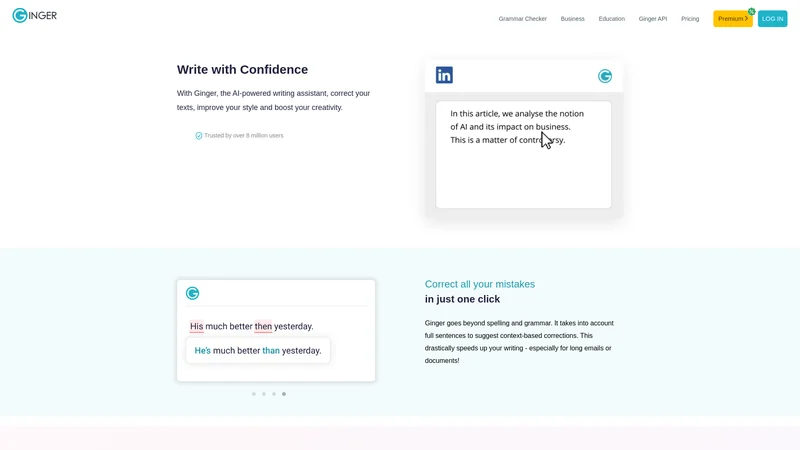 Ginger is an AI-powered grammar and sentence correction tool. It is simple and helpful, especially for people who are still learning English.
Why should you use Ginger Software?
Ginger focuses on fixing grammar and sentence structure. It corrects mistakes and also suggests better ways to write the same sentence. This helps improve clarity without changing the meaning.
One strong feature of Ginger is that it explains errors. This helps users understand why something is wrong, not just how to fix it.
Ginger also supports sentence rephrasing, which is useful when your writing sounds awkward or unclear.
Best use cases
Ginger is very good for daily writing tasks. Students use it for homework and assignments. Office workers use it for emails and documents. Non-native English speakers use it to improve sentence structure and confidence.
If you want a simple grammar tool with learning support, Ginger is a good option.
10. Jasper
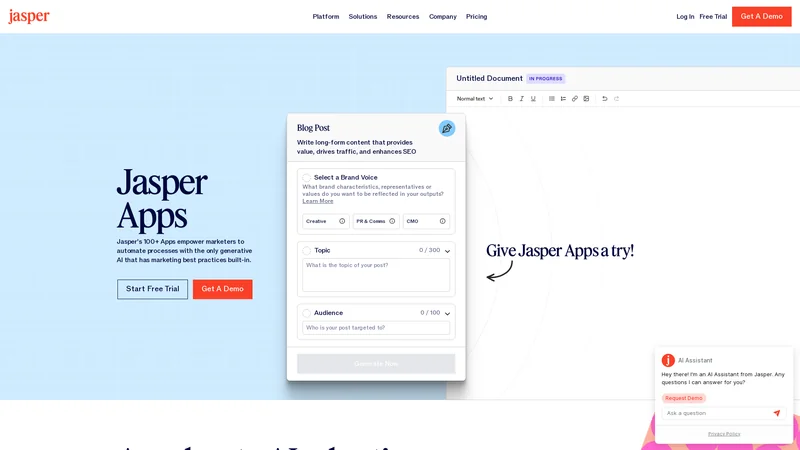 Jasper is a well-known AI writing tool that also works very well for editing and improving documents.
Why should you use Jasper?
Jasper helps improve sentence quality, clarity, and tone. You can give Jasper your text and ask it to rewrite, simplify, or polish it. It is very flexible and powerful.
This tool is especially helpful for:
Making writing more engaging
Improving flow
Adjusting tone (formal or friendly)
Jasper understands context well, which helps keep the meaning correct while improving quality.
Best use cases
Jasper is best for bloggers, marketers, and content creators. It works well for blog posts, website content, and long documents. Professionals also use it to refine important content before publishing.
If you want high-quality editing with creative support, Jasper is a strong choice.
11. Wordtune
Wordtune is an AI tool that focuses on rewriting sentences in a more natural and clear way. It is very helpful when you know what you want to say but cannot say it properly in English.
Why should you use Wordtune?
Wordtune helps you rewrite sentences without changing the meaning. You can choose between simple, formal, or casual versions. This makes your writing sound more human and confident.
It is especially useful when:
Your sentence feels awkward
Your English sounds too basic
You want smoother sentence flow
Wordtune does not just fix grammar. It improves how your ideas are expressed.
Best use cases
Wordtune is great for emails, blog posts, LinkedIn content, and professional writing. Non-native English speakers use it to sound more natural. Professionals use it to improve tone and clarity.
If you struggle to express ideas clearly, Wordtune is a very helpful tool.
12. Paperpal
Paperpal is an AI editing tool designed mainly for academic and research writing, but it also works well for formal documents.
Why should you use Paperpal?
Paperpal helps improve grammar, clarity, and structure in serious writing. It checks sentence flow and suggests improvements while keeping a formal tone.
This tool is very useful for:
Academic English
Formal writing
Clear explanations
Paperpal also helps reduce unclear or weak sentences.
Best use cases
Paperpal is best for research papers, academic assignments, reports, and formal documents. Students and researchers use it to improve clarity and correctness.
If you write formal or academic content, Paperpal is a strong choice.
13. Sapling
Sapling is an AI writing assistant focused on real-time editing and grammar correction. It is often used by professionals and support teams.
Why should you use Sapling?
Sapling corrects grammar and improves sentence clarity as you type. It is fast and works well for short and medium-length content.
It helps you:
Write clear sentences quickly
Avoid grammar mistakes
Keep a professional tone
Sapling is lightweight and easy to use.
Best use cases
Sapling is great for emails, customer support replies, chat messages, and professional communication. Teams use it to maintain clear and correct writing.
If you want fast and clean editing, Sapling works well.
14. Slick Write
Slick Write is a free AI-based writing and editing tool that focuses on readability and structure.
Why should you use Slick Write?
Slick Write analyzes your text and shows:
Long sentences
Repeated words
Weak phrasing
Readability issues
It helps you understand where your writing needs improvement.
This tool is very useful for learning better writing habits.
Best use cases
Slick Write is good for bloggers, students, and beginner writers. It works well for blog posts, articles, and general documents.
If you want a free tool to improve readability, Slick Write is a good option.
15. Writecream
Writecream is an AI writing and editing tool that helps improve documents by making text clearer, more natural, and easier to read. It is designed for people who want fast editing without complex steps.
Why should you use Writecream?
Writecream helps clean up grammar, improve sentence flow, and rewrite unclear text. You can paste your document and ask Writecream to simplify, rewrite, or polish it. The tool focuses on clarity and smooth writing.
It is very useful when:
Your writing sounds rough or unfinished
You want simpler and clearer sentences
You need quick editing without learning complex tools
Writecream is beginner-friendly and works well even if your English level is not strong. It helps turn basic writing into clean and readable content.
Best use cases
Writecream is great for blog posts, short articles, emails, and marketing content. Freelancers use it to polish client work. Bloggers use it to clean drafts before publishing. Beginners use it to improve confidence in writing.
If you want an easy AI tool for editing and rewriting documents, Writecream is a good choice.
Quick Comparison Table of Best AI Editing Tools
Tool Name | Best For | Skill Level |
|---|---|---|
Sudowrite | Creative and long content editing | Medium |
Squibler | Simple and clear writing | Beginner |
Grammarly | Daily grammar and clarity checks | Beginner |
ProWritingAid | Deep writing analysis | Advanced |
QuillBot | Paraphrasing and rewriting | Beginner |
Hemingway Editor | Readability and simplicity | Beginner |
LanguageTool | Grammar and multi-language support | Medium |
Writer | Professional and business writing | Medium |
Ginger Software | Grammar learning and correction | Beginner |
Jasper | Advanced editing and polishing | Medium–Advanced |
Wordtune | Sentence rewriting | Beginner |
Paperpal | Academic and formal writing | Medium |
Sapling | Professional communication | Medium |
Slick Write | Readability analysis | Beginner |
Writecream | Easy document editing and rewriting | Beginner |
Frequently Asked Questions (FAQs)
1. Are AI editing tools good for beginners?
Yes. Many AI editing tools are made for beginners. Tools like Grammarly, Squibler, and Ginger are very easy to use and help users learn while editing.
2. Can AI tools replace human editors?
AI tools are very helpful, but they do not fully replace human editors. They are best for grammar, clarity, and basic editing. Human review is still useful for final checks.
3. Which AI tool is best for non-native English speakers?
Grammarly, Squibler, Ginger, and Hemingway Editor are excellent for non-native English speakers because they focus on clarity and simple language.
4. Are these AI tools free?
Most tools offer free versions with limited features. Paid plans give more advanced editing options. You can start free and upgrade later if needed.
5. Can I use AI tools for professional documents?
Yes. Tools like ProWritingAid, Writer, and Jasper are suitable for professional and business documents. They help maintain a clear and professional tone.
Conclusion
Editing documents does not have to be difficult or stressful. With the help of AI tools, anyone can improve their writing, even if English is not their first language.
The tools listed in this article help with:
Grammar correction
Sentence clarity
Readability
Professional tone
Some tools are better for beginners, while others are made for advanced writers. You do not need to use all of them. Choose one or two tools that match your needs. Check out more AI Writing Tools on our site.
If you write emails, blogs, reports, or documents regularly, using an AI editing tool can save time and improve quality. These tools help you write with more confidence and less effort.