

Starting an online business in 2026 is not just possible; it is more accessible than ever. Technology has lowered the barrier to entry. You no longer need a large office, a big team, or a heavy investment. With the right idea, the right tools, and a clear plan, you can build a profitable online business from home.
However, ease of entry also means more competition. Simply creating a website or opening a social media account is not enough. Success depends on choosing the right business model, validating your idea, building properly, and using smart tools that save time and reduce mistakes.
This guide walks you through the process step by step. It focuses on practical actions, realistic expectations, and tools that actually help, not hype.
Why 2026 Is a Strong Year to Start an Online Business
The digital economy continues to grow. Remote work, AI tools, automation platforms, global payment systems, and content-driven marketing have created opportunities that did not exist five years ago.
In 2026:
AI reduces technical skill barriers
Global audiences are easier to reach
Digital payments are smoother and faster
Low-cost tools replace expensive teams
Niche markets are easier to target
You can start with small capital and scale gradually. The key is strategy and execution.
Step 1: Choose the Right Business Model
Before thinking about logos, websites, or tools, you must decide what type of online business you want to build.
Here are the most practical online business models in 2026:
1. Service-Based Business
Examples:
Web development
Digital marketing
Graphic design
Consulting
This model requires skill but very little startup capital. You sell your expertise.
2. Product-Based Business (Physical or Digital)
Examples:
E-commerce store
Print-on-demand
Digital products (ebooks, templates, courses)
Digital products are especially attractive because they have low overhead.
3. Affiliate Marketing
You promote other companies’ products and earn commission. This works well with blogging, YouTube, or niche websites.
4. SaaS or Digital Tool
If you can build software or partner with a developer, SaaS is scalable and profitable. Many small niche tools succeed by solving one specific problem well.
How to Choose the Right Model
Ask yourself:
What skills do I already have?
How much money can I invest?
Do I prefer active work (services) or scalable assets (products)?
Am I ready to build long-term authority?
In 2026, skill-based and digital-product businesses remain the safest starting points for beginners.
Step 2: Validate Your Business Idea
Many people fail because they build first and validate later. Validation should come before branding or development.
How to Validate Properly
1. Research the Market
Use Google search, Reddit, forums, and competitor websites. Look for:
Existing demand
Active buyers
Gaps in current solutions
If competitors exist, that is good. It means demand is real.
2. Analyze Competitors
Study:
Their pricing
Their offer
Their positioning
Customer reviews
Customer complaints are especially valuable. They reveal opportunities.
3. Test With a Simple Offer
Instead of building a full product:
Create a landing page
Offer pre-orders
Run small ads
Collect emails
This helps confirm demand before heavy investment.
Tools for Market Validation
The right tools make research faster and more accurate.
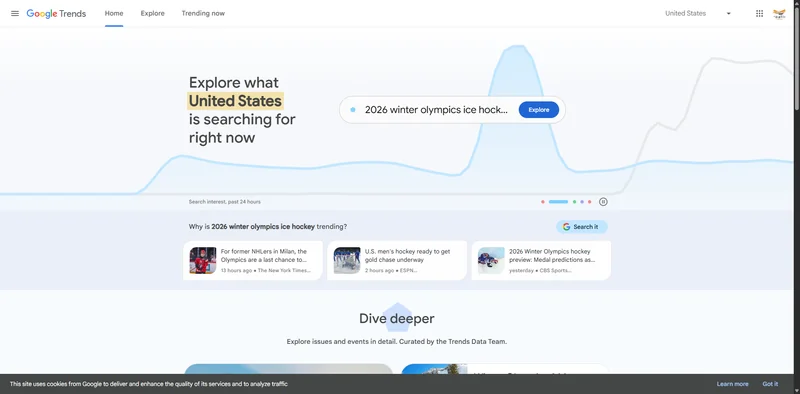
1. Google Trends – Demand Tracking
Why use it?
Google Trends helps you see whether interest in a topic is growing, stable, or declining. Before choosing a niche, you should confirm it is not shrinking.
Best use cases
Checking long-term demand
Comparing two business ideas
Identifying seasonal trends
It is free and easy to use.
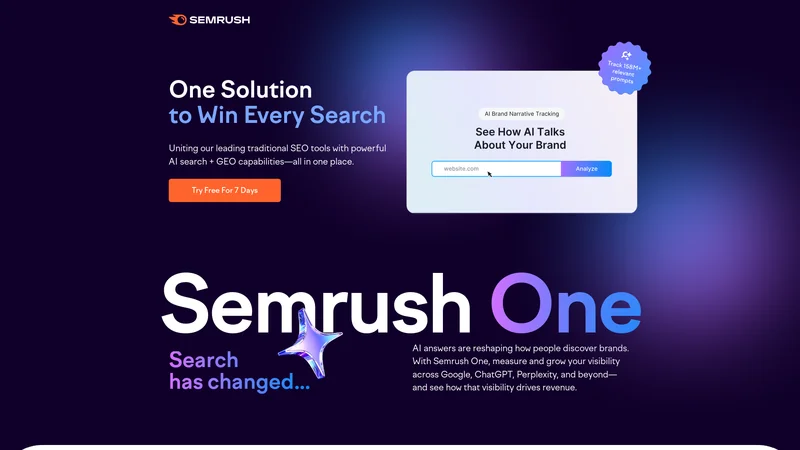
2. SEMrush – Competitive and Keyword Research
Why use it?
SEMrush helps analyze:
What keywords competitors rank for
Traffic potential
Content gaps
Search volume
This data shows whether your idea has search demand.
Pricing overview
SEMrush offers paid plans with different tiers. It is an investment tool, mostly useful if you are building a content-driven business.
Best use cases
Niche website research
Affiliate marketing validation
Content strategy planning
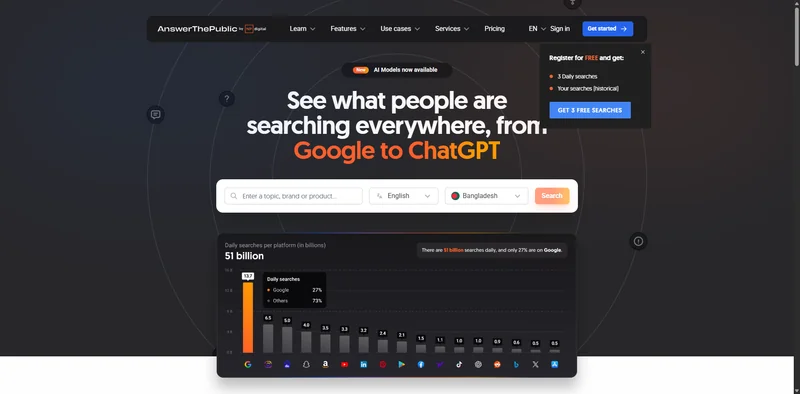
3. AnswerThePublic – Understanding Customer Questions
Why use it?
This tool shows what people are searching for around your topic. It helps you understand real customer pain points.
Best use cases
Finding content ideas
Discovering problems customers want solved
Structuring offers based on real demand
It is helpful when shaping product positioning.
What Most Beginners Do Wrong
They:
Skip validation
Assume demand exists
Copy competitors blindly
Overbuild before testing
Avoid this mistake. Validation reduces risk significantly.
Step 3: Define Your Unique Offer
Once you validate your idea, the next step is positioning. Many online businesses fail not because the idea is bad, but because the offer is unclear.
In 2026, competition is strong in almost every niche. You must answer this clearly:
Why should someone choose you instead of others?
Clarify Your Value Proposition
A strong value proposition explains:
Who you help
What problem you solve
How you solve it differently
What result customers can expect
For example:
Weak positioning:
“I offer digital marketing services.”
Strong positioning:
“I help small local restaurants get 20+ online orders per day using targeted social ads.”
The second example is specific. Specific offers convert better.
Narrow Your Target Audience
Trying to serve everyone usually leads to weak results. Focus on a clear group:
Freelancers
Small business owners
E-commerce brands
Coaches
SaaS startups
The more focused your audience, the easier your messaging becomes.
Step 4: Build Your Brand Foundation
Branding is not just a logo. It is how people perceive your business.
You need:
A clear brand name
Consistent visual identity
Professional messaging
A simple brand story
Choose a Brand Name
Your brand name should be:
Easy to spell
Easy to remember
Relevant to your niche
Avoid complex or confusing words. Shorter names work better online.
To check domain availability, you can use:
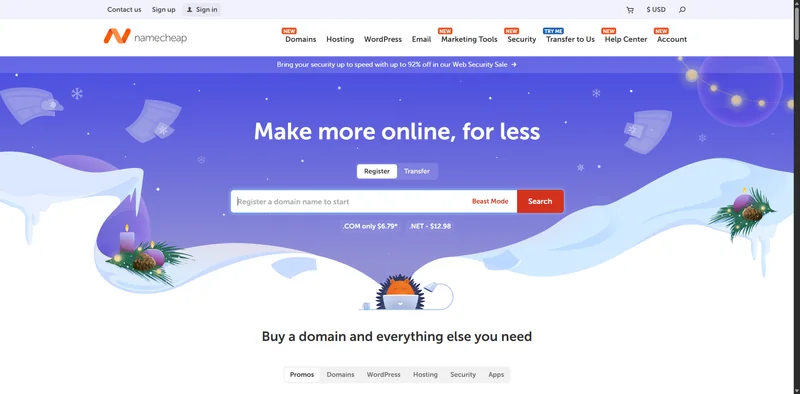
4. Namecheap – Domain Registration
Why use it?
Namecheap allows you to search for and purchase available domain names. It is beginner-friendly and affordable.
Pricing overview
Domains usually start at low yearly prices depending on extension (.com, .net, etc.). Prices vary based on availability.
Best use cases
Securing your brand domain
Buying multiple domain variations
Managing DNS easily
Buying your domain early prevents others from taking it.
Create a Simple Logo and Visual Identity
You do not need an expensive designer at the beginning. Simple and clean design works best.
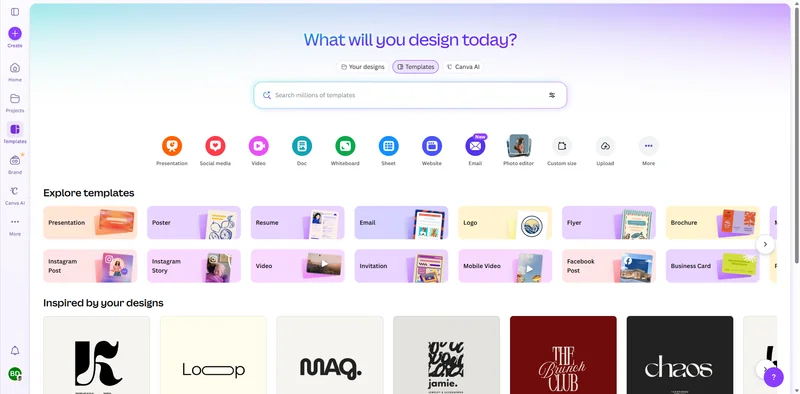
5. Canva – Beginner-Friendly Design Tool
Why use it?
Canva allows you to create logos, social media graphics, presentations, and marketing materials without advanced design skills.
It provides templates that save time and keep branding consistent.
Pricing overview
Canva offers:
Free plan with many templates
Paid plan with premium assets and branding tools
Free is enough for starting.
Best use cases
Creating logos
Designing social posts
Building marketing visuals
Creating lead magnets
Keep your brand visuals clean and consistent.
Step 5: Set Up Your Website and Infrastructure
Your website is your digital office. It builds credibility and allows customers to learn, trust, and buy.
You do not need a complicated setup at the beginning. Focus on:
Clean design
Clear messaging
Fast loading speed
Mobile responsiveness
Choose a Website Platform
There are several good platforms, but your choice depends on your business model.
If You Want Flexibility and Ownership:
6. WordPress – Flexible and Scalable
Why use it?
WordPress is one of the most powerful platforms for online businesses. It allows full control over design, SEO, and scalability.
You can build:
Blogs
E-commerce stores
Membership sites
Service websites
Pricing overview
WordPress itself is free. You pay for:
Hosting
Domain
Premium themes or plugins (optional)
Best use cases
Content-driven businesses
Affiliate marketing
Service-based websites
Growing long-term brands
It requires some learning but offers maximum flexibility.
If You Want Simplicity:
7. Shopify – E-commerce Focused Platform
Why use it?
Shopify is ideal if your main goal is selling products. It simplifies store setup, payments, and inventory management.
You do not need coding knowledge.
Pricing overview
Shopify runs on monthly subscription plans with different features depending on scale.
Best use cases
Dropshipping
Print-on-demand
Physical product businesses
Simple online stores
It is user-friendly but less flexible than WordPress.
Choose Reliable Hosting
If you use WordPress, you will need hosting.
8. Hostinger – Affordable Hosting Option
Why use it?
Hostinger provides affordable hosting with decent speed and uptime. For beginners, it offers good value without heavy technical setup.
Pricing overview
Hosting plans vary based on storage, traffic, and performance. Entry-level plans are budget-friendly.
Best use cases
New online businesses
Small blogs
Early-stage service websites
Reliable hosting improves website performance and SEO.
Essential Website Pages
Every online business should include:
Homepage (clear value proposition)
About page (build trust)
Services or Products page
Contact page
Privacy policy
Keep navigation simple. Remove unnecessary clutter.
Mistakes to Avoid at This Stage
Many beginners:
Spend months designing instead of launching
Overcomplicate website features
Ignore mobile optimization
Skip basic SEO setup
Your goal is not perfection. Your goal is to launch and improve.
Step 6: Build Your Product or Service Properly
Once your website is ready, the next step is building what you are actually selling. Many online businesses fail because they rush this stage. They launch something incomplete, unclear, or poorly structured.
Whether you are offering a service, digital product, or physical product, your offer must be:
Clear
Outcome-focused
Easy to understand
Easy to buy
If You Are Selling Services
Define your service packages clearly. Avoid vague descriptions like “Full Digital Marketing.” Instead, specify what is included.
For example:
Basic Package:
Website audit
30-day strategy plan
One campaign setup
Premium Package:
Website audit
Strategy
Campaign setup
Ongoing monthly management
Clear structure increases trust and conversions.
Use simple pricing tiers. Too many options create confusion.
If You Are Selling Digital Products
Digital products are popular in 2026 because they require low overhead. Examples include:
Online courses
Templates
Ebooks
Toolkits
Membership content
Your digital product should solve one specific problem well. Do not try to create a “mega product” at the beginning.
Start small. Improve later.
To host and sell digital products easily:
9. Gumroad – Simple Digital Product Platform
Why use it?
Gumroad allows you to sell digital products without building complex checkout systems. You can upload your product, set pricing, and start selling quickly.
It handles payments and delivery automatically.
Pricing overview
Gumroad takes a percentage of each sale. There is no heavy upfront cost, which makes it beginner-friendly.
Best use cases
Selling ebooks
Templates
Mini-courses
Creative assets
It is ideal for creators who want a fast setup.
If You Are Selling Physical Products
For physical products, focus on:
Reliable suppliers
Clear shipping timelines
Transparent return policies
Avoid holding large inventory at the beginning unless necessary. Start lean and scale gradually.
Step 7: Set Up Payments and Basic Automation
An online business must run smoothly even when you are offline. That requires proper payment systems and basic automation.
Payment Processing
You need a secure way to accept payments globally.
10. Stripe – Online Payment Processing
Why use it?
Stripe allows you to accept credit cards and online payments directly on your website. It integrates well with most platforms.
It supports recurring payments, which is useful for subscriptions.
Pricing overview
Stripe charges a percentage per transaction. There are no monthly fees for basic usage.
Best use cases
Service payments
Subscription businesses
SaaS products
Digital product checkout
It is widely trusted and reliable.
Email Marketing Setup
Email marketing remains one of the most powerful marketing channels in 2026. Social media algorithms change, but email lists remain under your control.
You should collect emails from day one.
11. ConvertKit – Email Marketing for Creators
Why use it?
ConvertKit helps you build email lists, send automated sequences, and nurture leads. It is beginner-friendly and designed for creators and online businesses.
You can create automated email funnels easily.
Pricing overview
ConvertKit offers:
A free plan for smaller lists
Paid plans as your list grows
The free plan is enough for early-stage businesses.
Best use cases
Lead magnet delivery
Sales funnels
Newsletter marketing
Product launch campaigns
Email builds long-term business stability.
Basic Automation
Automation reduces manual work and improves efficiency.
For example:
Automatically send welcome emails
Deliver digital products instantly
Send follow-up reminders
Notify clients of bookings
You do not need complex systems at the beginning. Simple automation saves time and improves professionalism.
Step 8: Create a Marketing Strategy
Building is not enough. Traffic and visibility determine success.
Your marketing strategy should include:
Content marketing
Search engine optimization (SEO)
Social media presence
Paid advertising (optional)
Content Marketing
Creating valuable content builds authority and attracts organic traffic.
This includes:
Blog posts
YouTube videos
LinkedIn articles
Short-form videos
Content builds trust before selling.
To manage content planning:
12. Notion – Content and Business Planning
Why use it?
Notion helps organize ideas, track content calendars, and manage tasks. It keeps your business operations structured.
Pricing overview
Notion offers:
A free personal plan
Paid plans for teams and advanced features
The free plan works well for solo entrepreneurs.
Best use cases
Content planning
Business workflow management
Goal tracking
Task organization
A structured system increases productivity.
SEO for Long-Term Growth
Search engine traffic is one of the most stable sources of online income.
You should:
Target low-competition keywords
Write helpful content
Optimize titles and meta descriptions
Build internal links
SEO takes time, but results compound.
Paid Advertising (Optional)
Once your offer converts organically, you can scale using paid ads.
Start small. Test carefully. Track results.
Never depend entirely on ads without validation.
Common Growth Mistakes to Avoid
Many beginners:
Try every platform at once
Copy competitors without strategy
Spend on ads before validating
Ignore customer feedback
Give up too early
Growth takes time. Focus on consistent improvement instead of quick wins.
Step 9: Build Authority and Trust in Your Niche
Once your business is live and generating initial traffic or sales, the next stage is authority building. In 2026, trust is the main currency online. People buy from brands they trust, not from random websites.
Authority is built through consistency, transparency, and value.
Create Valuable, Problem-Solving Content
Content should not exist just to fill your website. It should answer real questions and solve real problems.
Focus on:
Detailed guides
Step-by-step tutorials
Case studies
Real results
Honest reviews
When your content genuinely helps people, it naturally builds credibility.
Collect Testimonials and Social Proof
If you are offering services or products, ask early customers for feedback. Even small testimonials increase trust significantly.
Display:
Client reviews
Before-and-after results
Case studies
Screenshots of success
Social proof reduces buyer hesitation.
Build a Personal Brand (Optional but Powerful)
In 2026, people connect more with people than with logos. If you are comfortable, show your face, share your story, and communicate directly with your audience.
You can build authority through:
LinkedIn
YouTube
Twitter/X
Industry forums
Consistency matters more than perfection.
Step 10: Track Performance and Improve Continuously
A successful online business is not built in one launch. It improves through data and feedback.
You need to track:
Website traffic
Conversion rate
Email open rates
Sales performance
Customer behavior
13. Google Analytics – Website Performance Tracking
Why use it?
Google Analytics shows how visitors find your website, what pages they visit, and where they leave. This data helps you improve weak areas.
Pricing overview
Google Analytics is free for most small to medium businesses.
Best use cases
Tracking traffic sources
Identifying high-performing content
Improving conversion pages
Understanding user behavior
Data helps you make smarter decisions instead of guessing.
Step 11: Scale Smartly, Not Emotionally
Once your business is generating steady revenue, scaling becomes the next goal. However, scaling should be strategic.
You can scale by:
Increasing marketing efforts
Launching new products
Raising prices
Automating processes
Outsourcing repetitive tasks
Avoid scaling too fast without systems in place.
Build Systems Before Hiring
Before hiring team members, create clear processes. Document how tasks are done.
You can use:
14. ClickUp – Task and Workflow Management
Why use it?
ClickUp helps manage tasks, deadlines, and team collaboration. It becomes essential when your business grows beyond solo work.
Pricing overview
ClickUp offers:
A free plan
Paid plans for advanced features and team scaling
Best use cases
Managing remote teams
Tracking project timelines
Organizing business workflows
Structured operations support long-term growth.
Step 12: Protect and Optimize Your Business
As revenue grows, protecting your business becomes important.
Focus on:
Website security
Legal policies
Data backups
Clear terms of service
Security and professionalism increase long-term sustainability.
Best Tools Used in This Guide
Tool | Purpose | Best For |
|---|---|---|
Google Trends | Market validation | Checking demand trends |
SEMrush | Keyword & competitor research | SEO-driven businesses |
AnswerThePublic | Audience insights | Content idea discovery |
Namecheap | Domain registration | Securing brand name |
Canva | Design | Branding & marketing visuals |
WordPress | Website building | Flexible business sites |
Shopify | E-commerce | Product businesses |
Hostinger | Web hosting | Budget hosting |
Gumroad | Digital product sales | Creators & solopreneurs |
Stripe | Payments | Online transactions |
ConvertKit | Email marketing | Lead nurturing |
Notion | Planning & organization | Business workflows |
Google Analytics | Data tracking | Website optimization |
ClickUp | Team management | Scaling operations |
Frequently Asked Questions (FAQs)
1. How much money do I need to start an online business in 2026?
You can start with a very small budget, especially if you choose a service-based or digital product model. Basic costs usually include domain, hosting, and possibly email marketing tools.
2. Which online business model is best for beginners?
Service-based businesses are often the easiest to start because they require skills instead of inventory. Digital products are also beginner-friendly if you can solve a specific problem.
3. How long does it take to make money?
Some businesses generate income within weeks, while others take months. It depends on niche, effort, consistency, and marketing strategy.
4. Do I need technical skills?
Not necessarily. Many modern platforms are beginner-friendly. However, learning basic website management and marketing improves your chances of success.
5. Is SEO still important in 2026?
Yes. Search engine traffic remains one of the most stable and scalable traffic sources. SEO takes time but delivers long-term results.
Conclusion
Starting an online business in 2026 is more achievable than ever, but success still requires strategy, patience, and consistent execution. The tools available today make launching easier, yet they cannot replace clear thinking and disciplined action.
Choose a focused business model. Validate your idea before building. Launch simply. Improve continuously. Build authority over time. Track data and scale carefully.
Online success rarely happens overnight. It is built step by step, decision by decision. With the right approach and tools, you can create a sustainable digital business that grows steadily year after year.
If you follow the steps outlined in this guide and commit to consistent improvement, you will not just start an online business; you will build a real, long-term asset.