
Best AI Tools for Avoiding Spam Filters in Email Marketing
Email marketing is powerful. But if your emails go to the spam folder, nothing else matters. You can have a great offer, strong copy, and a perfect design. If the message does not reach the inbox, you lose the opportunity.
In 2026, spam filters are smarter. Gmail, Outlook, and other providers use advanced AI systems to detect suspicious behavior. They look at content, domain reputation, sending patterns, and engagement levels.
Before we explore the best AI tools, let’s first understand how you can reduce the risk of landing in spam.
Practical Tips to Avoid Spam Filters in Email Marketing
As a marketer or founder, these fundamentals matter more than any tool.
1. Warm Up Your Domain and IP
If you start sending thousands of emails from a new domain, spam filters will flag you. Always warm up your domain slowly. Start with small batches and increase volume gradually.
2. Authenticate Your Domain Properly
Set up:
SPF
DKIM
DMARC
These records prove that your emails are legitimate. Without authentication, your emails are at high risk.
3. Avoid Spam Trigger Words
Words like “free money”, “guarantee”, “urgent offer”, or excessive capital letters can increase spam risk. Keep your tone natural and professional.
4. Keep a Clean Email List
Never buy email lists. Remove inactive subscribers regularly. High bounce rates and low engagement damage your sender reputation.
5. Focus on Engagement
Spam filters monitor open rates, replies, and clicks. If subscribers engage with your emails, providers see you as trustworthy.
Now let’s look at the best AI tools that help you implement these practices effectively.
1. Brevo
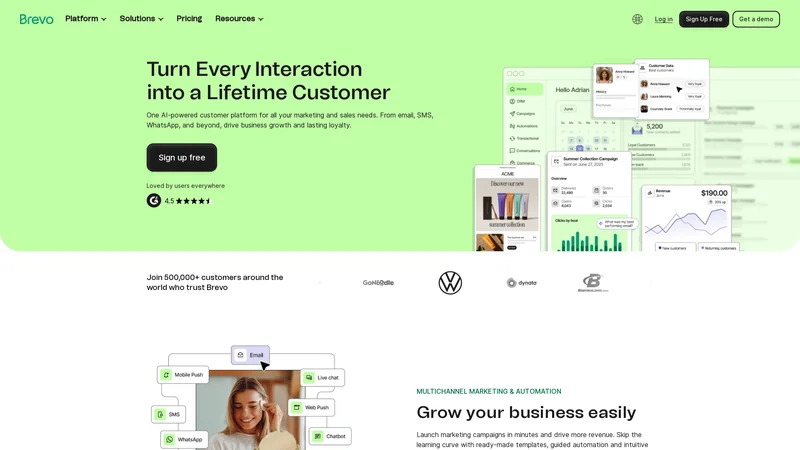 Brevo is one of the most reliable email marketing platforms in 2026. It combines email automation, CRM features, and AI-powered optimization tools.
Why You Should Use Brevo
Brevo focuses heavily on deliverability. It helps monitor sender reputation, manage email authentication, and optimize campaigns before sending.
The platform also provides AI-assisted subject line suggestions and content improvements. This helps reduce spam-triggering language while maintaining strong marketing messaging.
It also includes built-in tools to monitor engagement and clean contact lists.
Key Features
Email deliverability monitoring
Built-in SMTP infrastructure
AI content optimization
Automated list management
Advanced segmentation
Brevo makes it easier to maintain a healthy sender reputation.
Pricing Overview
Brevo offers:
A free plan with daily sending limits
Paid plans based on email volume and features
It is suitable for startups, growing businesses, and established brands.
Best Use Cases
Newsletter campaigns
Transactional emails
Marketing automation workflows
E-commerce email marketing
Brevo is ideal for businesses that want strong deliverability control along with marketing automation. It works well for both beginners and experienced marketers who care about long-term email reputation.
2. Mailgun
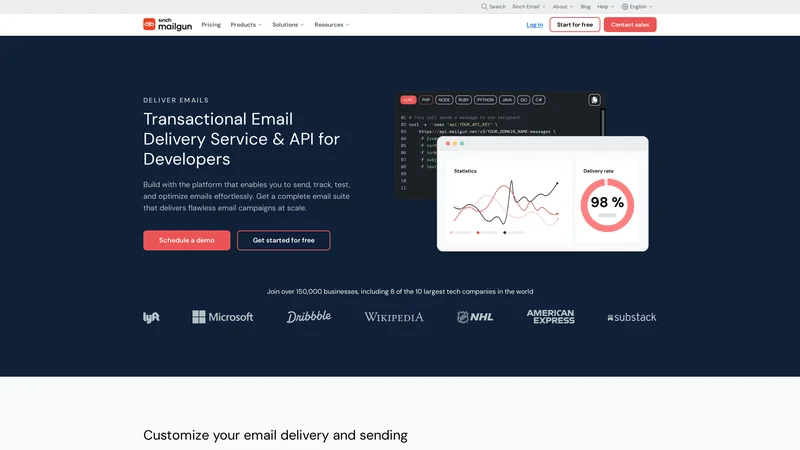
Mailgun is an email delivery service designed for developers and advanced marketers.
Why You Should Use Mailgun
Mailgun provides powerful analytics and deliverability tracking. It helps monitor bounce rates, spam complaints, and domain health.
For businesses sending high volumes of emails, technical control is important. Mailgun offers detailed logs and performance reports that help improve inbox placement.
Key Features
Deliverability analytics
Email validation
Dedicated IP options
Domain authentication support
It gives deeper technical insight into email performance.
Pricing Overview
Mailgun offers usage-based pricing. Costs depend on the number of emails sent monthly.
Best Use Cases
SaaS transactional emails
Large-scale marketing campaigns
Application-based email systems
High-volume sending environments
Mailgun works best for technical teams who want deep control over email infrastructure and performance optimization.
3. GlockApps
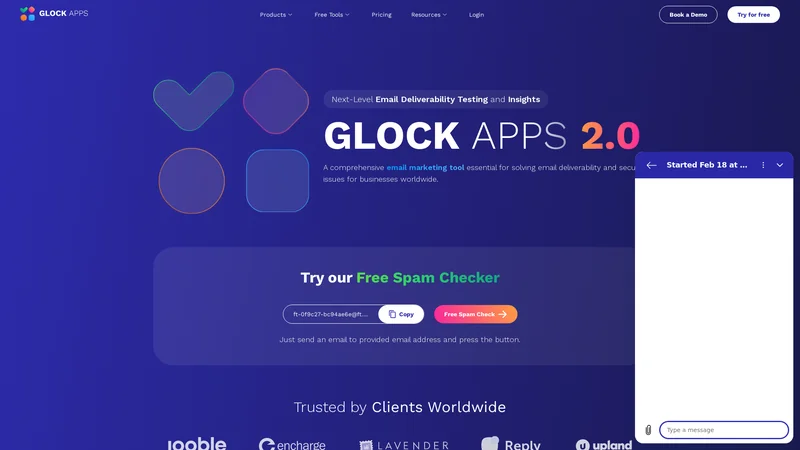
GlockApps is a specialized tool for testing and monitoring email deliverability.
Why You Should Use GlockApps
Before launching a campaign, you can test whether your email lands in inbox or spam across different providers.
It provides a spam score and identifies issues in content or authentication.
This helps you fix problems before sending to your real audience.
Key Features
Inbox placement testing
Spam filter analysis
Blacklist monitoring
Domain health checks
It acts as a pre-send safety check.
Pricing Overview
GlockApps offers subscription plans based on testing volume.
Best Use Cases
Pre-campaign testing
Deliverability audits
Spam issue diagnosis
Ongoing reputation monitoring
It is valuable for marketers who want to reduce risk before sending important campaigns.
4. ZeroBounce
 ZeroBounce focuses on email validation and list cleaning.
Why You Should Use ZeroBounce
Invalid emails and spam traps damage sender reputation. ZeroBounce helps clean your list by removing risky addresses.
It reduces bounce rates and improves engagement metrics.
Healthy lists mean better deliverability.
Key Features
Email validation
Spam trap detection
Bounce rate reduction
Email scoring
It protects your domain reputation.
Pricing Overview
ZeroBounce offers pay-as-you-go pricing based on the number of emails validated.
Best Use Cases
Cleaning purchased leads
Validating old email lists
Reducing bounce rates
Improving campaign performance
It is essential for maintaining strong list hygiene and long-term deliverability success.
5. Postmark
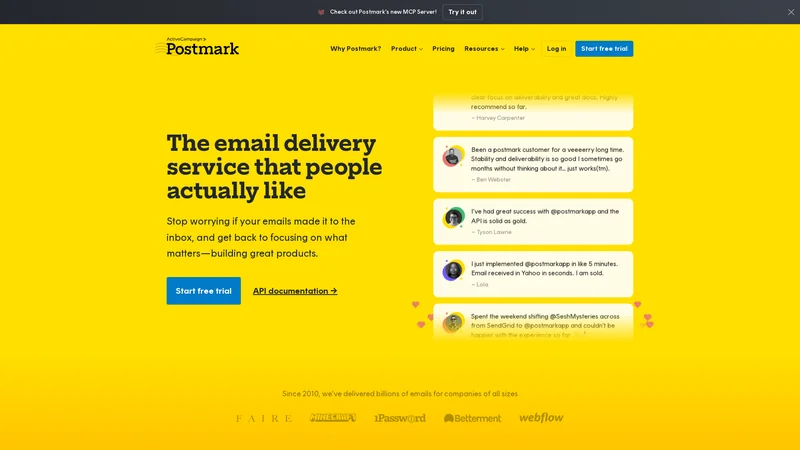 Postmark is an email delivery service built for reliable transactional email delivery.
Why You Should Use Postmark
Transactional emails such as password resets and order confirmations must reach inboxes immediately. Postmark focuses on high deliverability and fast sending speeds.
It maintains strong sender reputation by separating transactional and marketing streams.
Key Features
Dedicated sending streams
High inbox placement rate
Detailed delivery logs
Domain authentication support
It is optimized for reliability.
Pricing Overview
Postmark uses usage-based pricing depending on email volume.
Best Use Cases
SaaS transactional emails
E-commerce confirmations
Password reset emails
System notifications
It ensures critical emails reach users quickly and consistently, which builds trust and improves user experience.
6. Warmup Inbox
 Warmup Inbox is a tool designed specifically to improve sender reputation by gradually warming up your email account.
Why You Should Use Warmup Inbox
If you start sending large volumes of emails from a new domain or IP address, spam filters will quickly flag your activity. Warmup Inbox simulates natural email conversations by sending and receiving emails from a network of real inboxes.
This process improves your domain reputation and shows email providers that your account behaves like a normal sender.
For businesses launching new domains or switching platforms, this tool can significantly reduce early spam risks.
Key Features
Automated inbox warmup
Engagement simulation
Gradual sending increase
Reputation monitoring
It strengthens your sending profile before large campaigns begin.
Pricing Overview
Warmup Inbox offers subscription-based pricing depending on the number of inboxes and warmup volume.
Best Use Cases
Launching a new domain
Scaling cold outreach campaigns
Recovering from spam reputation damage
Preparing for high-volume sending
It is especially valuable for agencies and SaaS businesses starting fresh email accounts.
7. SpamAssassin
 SpamAssassin is an open-source spam filtering tool used by many email servers.
Why You Should Use SpamAssassin
SpamAssassin helps analyze email content and assign a spam score. While it is often used on the receiving side, marketers can use it to test campaigns before sending.
By checking your content against spam detection rules, you can adjust language and formatting to reduce risk.
It is more technical but useful for teams that want deeper analysis.
Key Features
Spam scoring
Rule-based content filtering
Header analysis
Customizable filtering rules
It gives insight into how spam filters evaluate messages.
Pricing Overview
SpamAssassin is open-source and free, though it requires technical setup.
Best Use Cases
Technical email testing
Spam score analysis
Infrastructure-based email systems
Advanced deliverability audits
It works best for teams with technical expertise.
8. SendForensics
 SendForensics is an AI-powered deliverability testing platform.
Why You Should Use SendForensics
SendForensics analyzes your email content and predicts inbox placement before you send campaigns.
It uses predictive AI models to assess how mailbox providers may treat your email.
This gives marketers a chance to adjust subject lines, wording, and formatting in advance.
Key Features
Predictive inbox placement analysis
Content scoring
Domain health tracking
Deliverability monitoring
It acts as an advanced testing system.
Pricing Overview
SendForensics offers subscription plans based on testing volume and business size.
Best Use Cases
Pre-launch campaign testing
Optimizing subject lines
Improving marketing email structure
Deliverability performance monitoring
It is helpful for brands that rely heavily on email revenue.
Comparison Table of Best AI Tools for Avoiding Spam Filters
Tool | Main Focus | Best For | Pricing Type |
|---|---|---|---|
Brevo | Email marketing & deliverability | All-in-one email marketing | Free + Paid |
Mailgun | Technical email delivery | High-volume sending | Usage-based |
GlockApps | Inbox testing | Pre-campaign testing | Subscription |
ZeroBounce | Email validation | List cleaning | Pay-as-you-go |
Postmark | Transactional email | SaaS and e-commerce | Usage-based |
Warmup Inbox | Domain warmup | New domain reputation | Subscription |
SpamAssassin | Spam scoring | Technical testing | Free |
SendForensics | Predictive deliverability | Content optimization | Subscription |
Frequently Asked Questions
1. Why do emails go to spam even if the content is good?
Spam filters check more than content. They analyze domain reputation, authentication records, engagement history, and sending patterns.
2. Is domain authentication really necessary?
Yes. Without SPF, DKIM, and DMARC, email providers may not trust your messages. Authentication is a basic requirement.
3. Should I use multiple tools together?
Yes. For example, you can use ZeroBounce for list cleaning, Warmup Inbox for domain warmup, and Brevo for campaign management. Each tool supports a different part of deliverability.
4. How often should I clean my email list?
You should clean inactive contacts every few months. High bounce rates damage sender reputation quickly.
5. Can AI completely prevent spam placement?
No tool can guarantee 100 percent inbox placement. However, combining good practices with AI deliverability tools significantly reduces spam risk.
Conclusion
Avoiding spam filters in 2026 requires strategy, discipline, and the right tools. Spam detection systems are powered by advanced AI, which means marketers must also use smart platforms to compete.
Start with strong fundamentals. Authenticate your domain, warm up new accounts, and maintain a clean email list. Then use AI tools to test content, monitor reputation, and improve deliverability performance. Check out more Email Marketing tools on our site.
Tools like Brevo provide all-in-one marketing and deliverability support. Specialized platforms like GlockApps, SendForensics, and Warmup Inbox add deeper testing and reputation management.
Email marketing still works. But only when your emails reach the inbox. With the right strategy and AI tools, you can protect your sender reputation and build long-term success.